
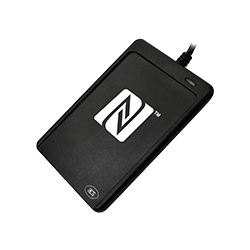
PR1008
Planen Sie Ihren Einkauf
Wählen Sie den nächsten Schritt für Ihr Projekt. Beschreiben Sie Ihre Anforderungen, damit sich die Anfrage auf das passende Modell und die richtige Konfiguration bezieht.
- Evaluierungsmuster
- Kostenpflichtige Muster
- Garantie
- Ein Jahr Garantie
Klären Sie Musterpreise, genaue Konfiguration, Garantieabwicklung und Versandbedingungen im Angebot oder Auftrag.
Angebotsumfang bestätigen
Legen Sie mit dieser Checkliste fest, was angeboten werden soll. Herstellerangaben beschreiben das Produkt; die Kompatibilität mit Ihrem System muss noch geprüft werden.
- Anschluss und Standfuß
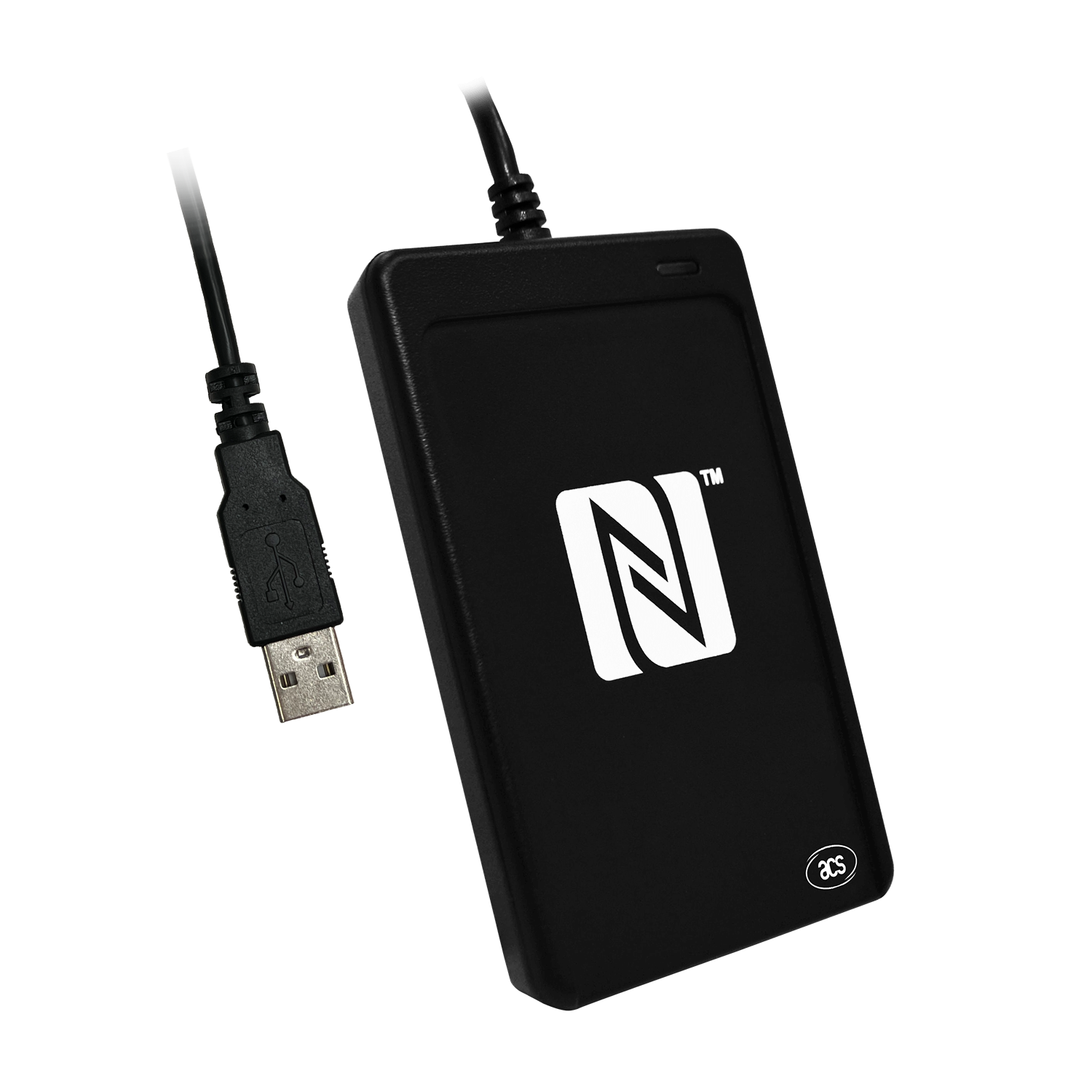
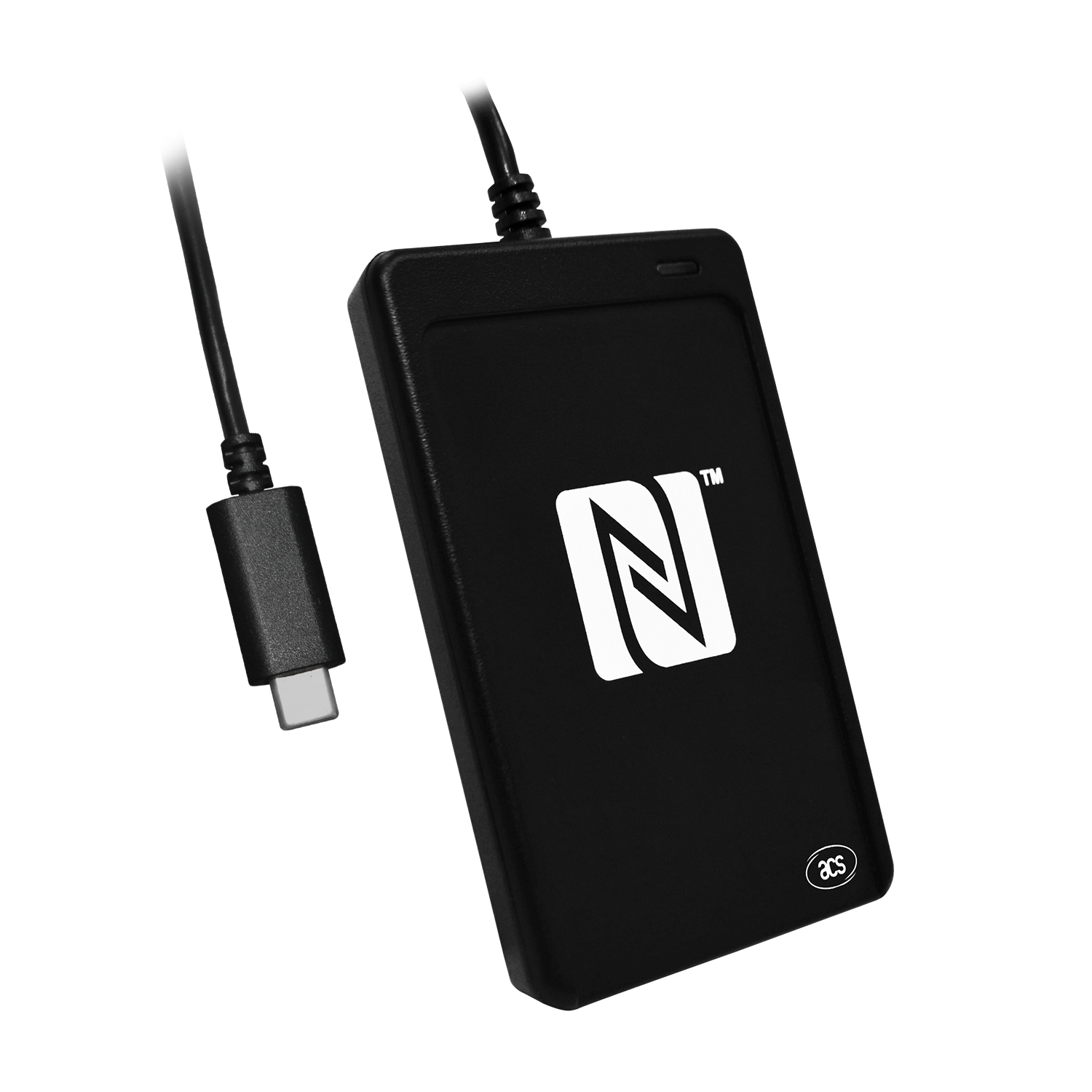
- Geben Sie USB Type-A oder Type-C an. Falls ein Standfuß benötigt wird, führen Sie ihn separat auf und bestätigen Sie seine Aufnahme ins Angebot.
- Leser oder Entwicklungskit
- Führen Sie den Leser PR1008 und das SDK PR1009 getrennt auf. Bestätigen Sie die angebotenen Karten, Zubehörteile und Softwarelizenzen.
- Bestehende Anwendung
- Nennen Sie den aktuellen Treiber, die Anwendung und die benötigten Kartenbefehle. Prüfen Sie die genaue Konfiguration, bevor Sie den Leser als Ersatz einsetzen.
Fragen vor der Bestellung
- Welche Anschlussvariante benötigen Sie: PR1008-M1 (USB Type-A) oder PR1008-MF (USB Type-C)? Geben Sie Hostgerät, Betriebssystemversion und Anwendung an.
- Benötigen Sie Lese-/Schreibbetrieb, Kartenemulation oder den Peer-to-Peer-Modus? Geben Sie Kartenstandard und Befehle an. Wenn ISO 15693 oder UID-Ausgabe per Tastatur benötigt wird, weisen Sie für die Modellauswahl darauf hin, da diese Funktionen in den zitierten PR1008-Spezifikationen nicht aufgeführt sind.
- Wird das Projekt den SAM-Steckplatz Class A (5 V) verwenden, und benötigen Sie den optionalen Standfuß? Geben Sie an, ob Sie den Leser, ein separates SDK oder beides benötigen. Bestätigen Sie das angebotene Zubehör, die enthaltenen Komponenten und Lizenzbedingungen.
Falls Sie ein SDK oder Entwicklungskit benötigen, nennen Sie die erforderliche Hardware und Software und lassen Sie Kitinhalt sowie Lizenzbedingungen bestätigen.
Produktreferenz des Herstellers ↗Von der Anfrage über die Erprobung zur Bestellung
Klären Sie anhand dieser Schritte die Konfiguration und den Prüfumfang, bevor Sie größere Mengen bestellen.
Anforderungen festlegen
Beschreiben Sie die Aufgabe des Produkts und benennen Sie Anforderungen, die noch geklärt werden müssen.
Angebotsumfang prüfen
Ordnen Sie den PR-Code der Herstellervariante zu. Prüfen Sie Hardware, Zubehör, Software und Lizenzbedingungen im Angebot.
Musterprüfung vereinbaren
Vereinbaren Sie vor der Anforderung von Testgeräten den Prüfaufbau und die Abnahmekriterien. Dokumentieren Sie Ergebnisse und offene Fragen.
Mengenbestellung bestätigen
Gleichen Sie Konfiguration und Version mit dem geprüften Gerät ab. Bestätigen Sie anschließend Menge und Lieferbedingungen.
Herstellerspezifikationen beschreiben das Produkt. Sie bestätigen nicht, dass Ihre Karte, Ihr Hostgerät und Ihre Anwendung gemeinsam getestet wurden.
Modellspezifikationen im Überblick
Die Angaben beruhen auf Herstellerunterlagen. Bestätigen Sie die genaue Modellvariante und prüfen Sie diese in Ihrem Projekt vor der Bestellung.
- USB-Anschluss und Modellvariante
- USB Type-A: PR1008-M1; USB Type-C: PR1008-MF.
- Aufgeführte kontaktlose Standards
- ISO 14443 Type A und B; ISO/IEC 18092 NFC; MIFARE; FeliCa. ISO 15693 wird in den zitierten Spezifikationen nicht aufgeführt; daraus lässt sich nicht ableiten, dass das Modell diesen Standard nicht unterstützt.
- Maximale Kommunikationsrate mit der Karte
- Bis zu 424 kbps; die tatsächlichen Ergebnisse hängen von Karte und Vorgang ab.
- Aufgeführte NFC-Betriebsarten
- Lesen/Schreiben; Kartenemulation; Peer-to-Peer-Kommunikation.
- SAM-Schnittstelle
- 1 SAM-Steckplatz; ISO 7816 Class A (5 V).
- Software und Konfiguration
- USB CCID und PC/SC. Prüfen Sie für die Integration den Treiber und das API-Handbuch dieses Modells.
Die aufgeführten Standards und Betriebsarten garantieren keine Kompatibilität einer vollständigen Kartenanwendung. Prüfen Sie vor der Bestellung die vorgesehenen Karten, Befehle, Schlüssel, Middleware und Hostsoftware. Die maximalen Kommunikationsraten mit der Karte sind keine Messwerte für den Anwendungsdurchsatz.
Übersicht
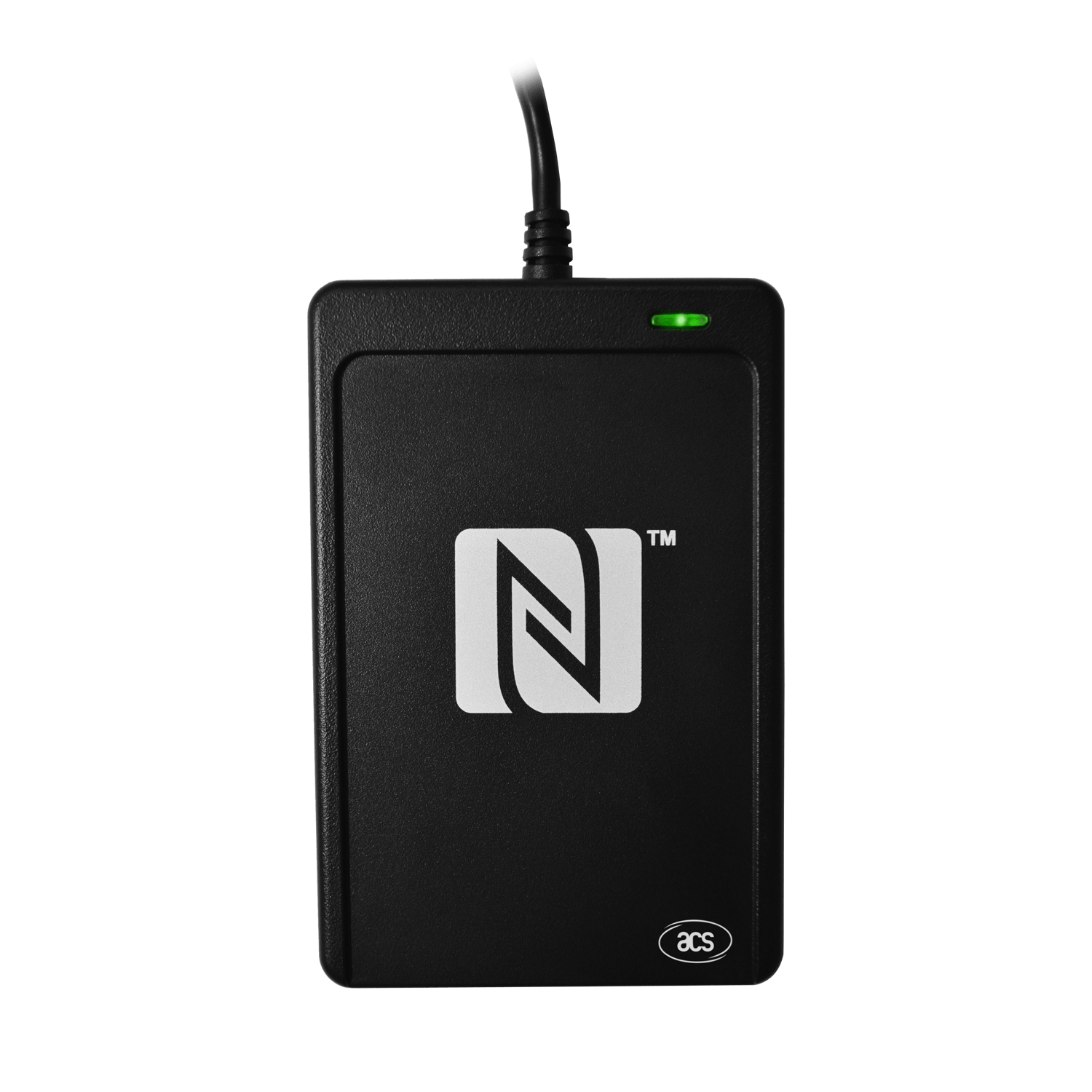
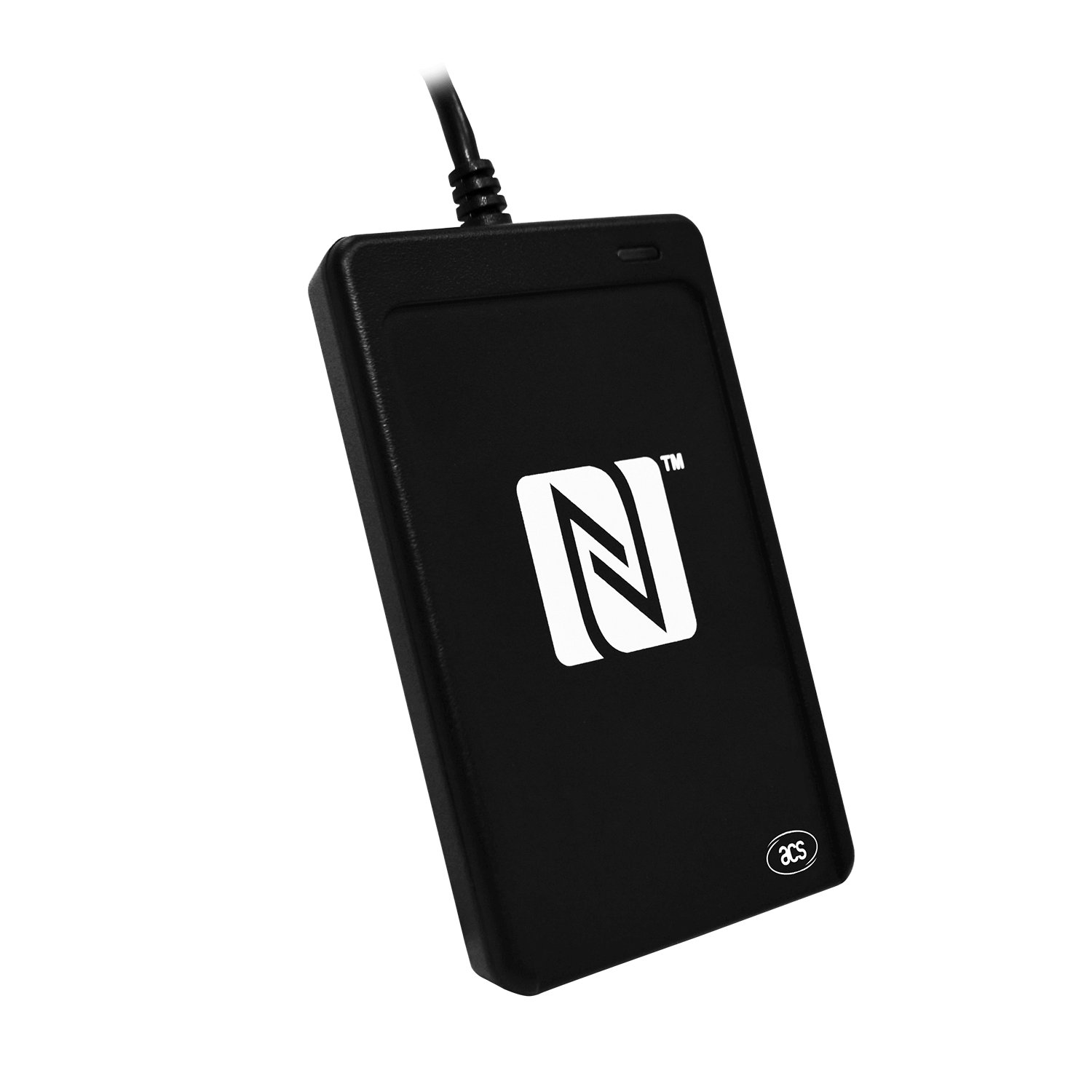
NFC-Forum-zertifiziertes USB-NFC-Lesegerät mit Kartenlesen und -schreiben, Kartenemulation und Peer-to-Peer-Kommunikation.
Herstellerübersicht (Englisch)
The PR1008 USB NFC Reader III is an NFC Forum-certified PC-linked reader, developed based on 13.56Mhz contactless technology. It has a SAM (Secure Access Module) slot which can be used together with a SAM card for key diversification and mutual authentication, providing high-level security in contactless transactions. Post-deployment firmware upgrade is also supported, eliminating the need for additional hardware modification.
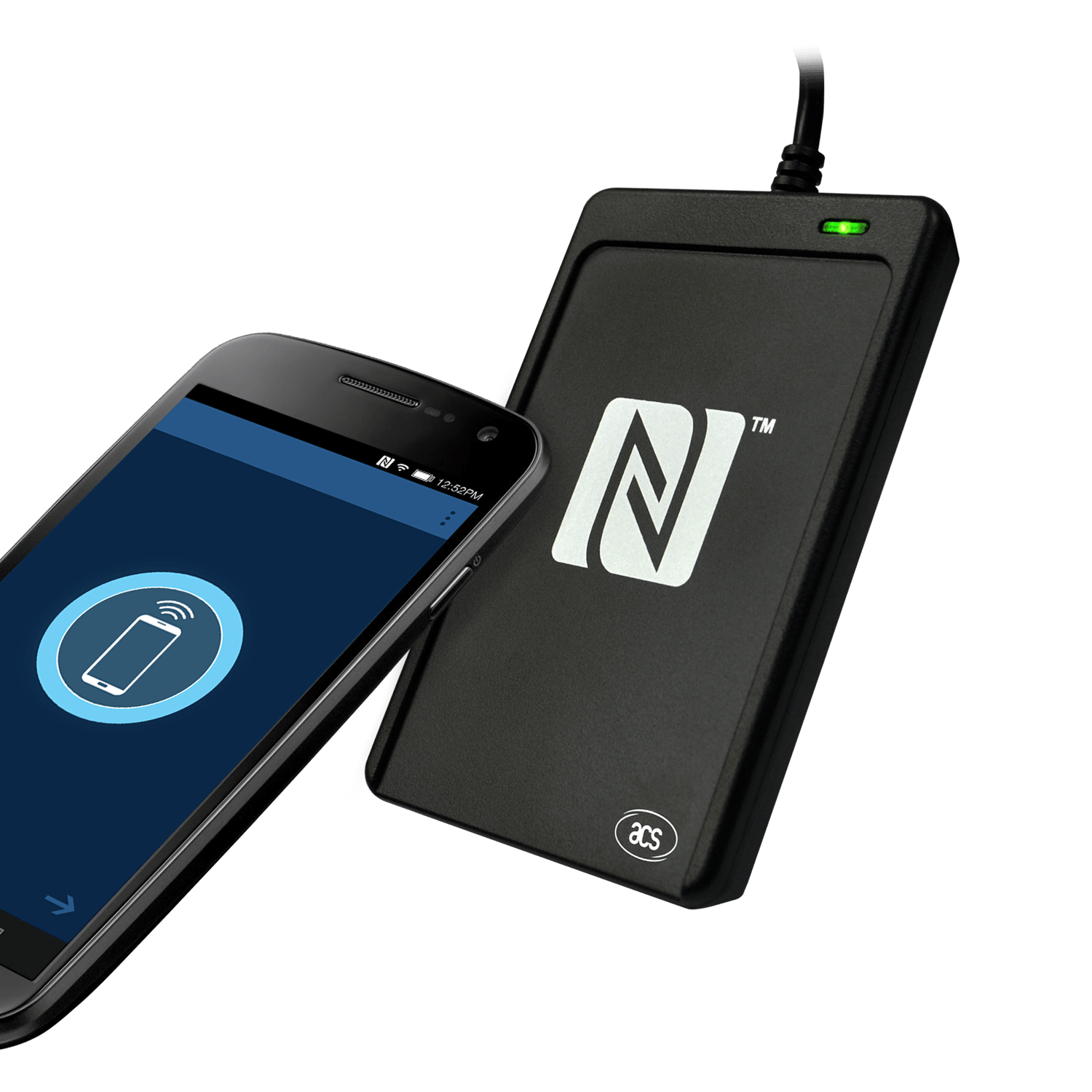
PR1008 is capable of the three modes of NFC, namely: card reader/writer, card emulation and peer-to-peer communication. It supports ISO 14443 Type A and B cards, MIFARE®, FeliCa, and ISO 18092–compliant NFC tags. It also supports other NFC devices with an access speed of up to 424 Kbps and proximity operating distance of up to 50mm (depending on tag type used).
Compliant with both CCID and PC/SC, this plug-and-play USB NFC device allows interoperability with different devices and applications. It is thus ideal for unconventional marketing and advertising applications like smart posters.
The PR1008 comes with an optional stand to hold the smart card reader at an optimal angle, so that users can tap contactless cards or NFC-enabled devices onto the PR1008 with ease. For more information, click here to download the brochure of this special accessory.
There are two connector type available for order now, USB Type-A (PR1008-M1) & USB Type-C (PR1008-MF).

Fido Support
The PR1008 USB NFC Reader III also supports FIDO (Fast IDentity Online) authentication protocols, making it compatible with FIDO-enabled devices such as PR1042 and YubiKey. This enables secure, passwordless login and strong 2FA authentication for online services. By leveraging the NFC capabilities of the PR1008, users can conveniently authenticate themselves by simply tapping their FIDO-enabled NFC device on the reader.
Integrating FIDO support enhances the security of online transactions and access control systems, making the PR1008 an ideal choice for e-Government, banking, e-healthcare, network security, and other applications requiring high-level security.
Key Attributes: PC-Linked, USB, Contactless Reader, NFC Reader, SAM Slot(s), Firmware Upgradeable
Merkmale
- USB 2.0 Full Speed Interface
- CCID Compliance
- USB Firmware Upgradeability
- Smart Card Reader: - Read/write speed up to 424 kbps - Built-in antenna for contactless tag access, with card reading distance of up to 50 mm (depending on tag type) - Supports ISO 14443 Type A and B cards, MIFARE®, FeliCa, and all 4 types of NFC (ISO/IEC 18092) tags - Supports MIFARE® 7-byte UID, MIFARE® Plus, and MIFARE® DESfire - Built-in anti-collision feature (only 1 tag is accessed at any time) - One ISO 7816–compliant SAM slot (Class A) - NFC Support: - NFC Reader/Writer Mode - Peer-to-Peer Mode - Card Emulation Mode
- Application Programming Interface: - Supports PC/SC - Supports CT-API (through wrapper on top of PC/SC)
- Peripherals: - User-controllable bi-color LED - User-controllable buzzer - SAM Slot
- Available Model Number: - USB Type-A: PR1008-M1 - USB Type-C: PR1008-MF
Technische Daten
| Physical Characteristics | |
|---|---|
| Dimensions (mm) | 98.0 mm (L) x 65.0 mm (W) x 12.8 mm (H) |
| Weight (g) | 81 g |
| USB Interface | |
| Connector Type | USB Type-A (PR1008-M1), USB Type-C (PR1008-MF) |
| Protocol | USB CCID |
| Speed | USB Full Speed (12 Mbps) |
| Power Source | From USB port |
| Cable Length | 1.0 m, Fixed |
| Contactless Smart Card Interface | |
| Standard | ISO/IEC 18092 NFC, ISO 14443 Type A & B, MIFARE®, FeliCa |
| Protocol | ISO 14443-4 Compliant Card, T=CL; MIFARE® Classic Card, T=CL; ISO18092, NFC Tags; FeliCa |
| SAM Card Interface | |
| Number of Slots | 1 Standard SIM-sized Card Slot |
| Standard | ISO 7816 Class A (5V) |
| Protocol | T=0; T=1 |
| Built-in Peripherals | |
| LED | 1 bi-color: Red and Green |
| Buzzer | Monotone |
| Other Features | |
| Firmware Upgrade | Supported |
| Certifications/Compliance | |
| Certifications/Compliance | Standards: USB CCID, PC/SC, NFC Forum Certification Mark, Microsoft® WHQL, J-LIS. Regulatory / Environmental: IEC/EN 62368, CE, UKCA, FCC, VCCI, TELEC, KC, BIS, RoHS, REACH, WEEE |
| Device Driver Operating System Support | |
| Device Driver Operating System Support | Windows® CE, Windows®, Linux®, MAC OS®, Solaris, Android™ |
Bilder
Downloads
| Typ | Titel | Größe | Aktualisiert |
|---|---|---|---|
| Software | ACS ApduTool (iOS) - v1.2 (iOS and iPadOS 16.2 or above) | 118.31 KB | 23-Feb-2024 |
| Treiber | PC/SC Driver Installer - v4.4.2.1 (Windows®) | 5.02 MB | 11-Dec-2025 |
| Treiber | PC/SC Driver Installer - v1.1.13 (Linux®) | 4.30 MB | 20-Nov-2025 |
| Treiber | PC/SC Driver Installer - v1.1.13 (macOS®) | 281.65 KB | 17-Nov-2025 |
| Software | Android EVK - v1.1.8 (Android™ 3.1 or above) | 1.46 MB | 25-Nov-2025 |
| Treiber | MSI Installer for PC/SC Driver - v4.2.8.0 (Windows XP/Vista/7/8/8.1/10/11, Server 2003-2016 R2) | 5.22 MB | 20-Mar-2018 |
| Treiber | PC/SC Drivers - v4.2.8.0 (Windows XP/Vista/7/8/8.1/10/11, Server 2003-2016 R2) | 955.93 KB | 20-Mar-2018 |
| Treiber | PC/SC Drivers - v2.0.1.0 (Windows CE 5.0/6.0/7.0) | 371 KB | 23-Nov-2015 |
| Datenblatt | Technical Specification of ACR1252U NFC Forum-Certified Reader | — | — |
| Broschüre | Product Presentation of ACR1252U NFC Forum-Certified Reader | — | — |
| API | API Driver Manual of ACR1252U NFC Forum-Certified Reader | — | — |
Anwendungsleitfäden