
ACS Web APDU Tool
Manufacturer reference: ACS product names, documents and tools identify the original manufacturer. View the official ACS source.
ACS Web APDU Tool
ACS Web APDU Tool for Smart Card Readers
The ACS Web APDU Tool is a secure, browser-based utility that enables you to send and validate APDU commands directly with ACS smart card readers.
With built-in safeguards from the browser extension, this tool ensures a safe, controlled, and reliable environment for testing and integration—without the hassle of complex setups.
ACS describes a development kit for integrating web-based smart card and NFC solutions into identity authentication and payment applications. Contact ACS to ask about the manufacturer's development kit and its availability.
Steps to Get Started
Step 1 Before using the tool, please install the ACS APDU Bridge Chrome extension in your browser. Microsoft Edge is also supported, since it can use Chrome extensions.
Step 2 Choose your platform and download the appropriate version of the ACS APDU Bridge Host.
Step 3 Click here to access the tool
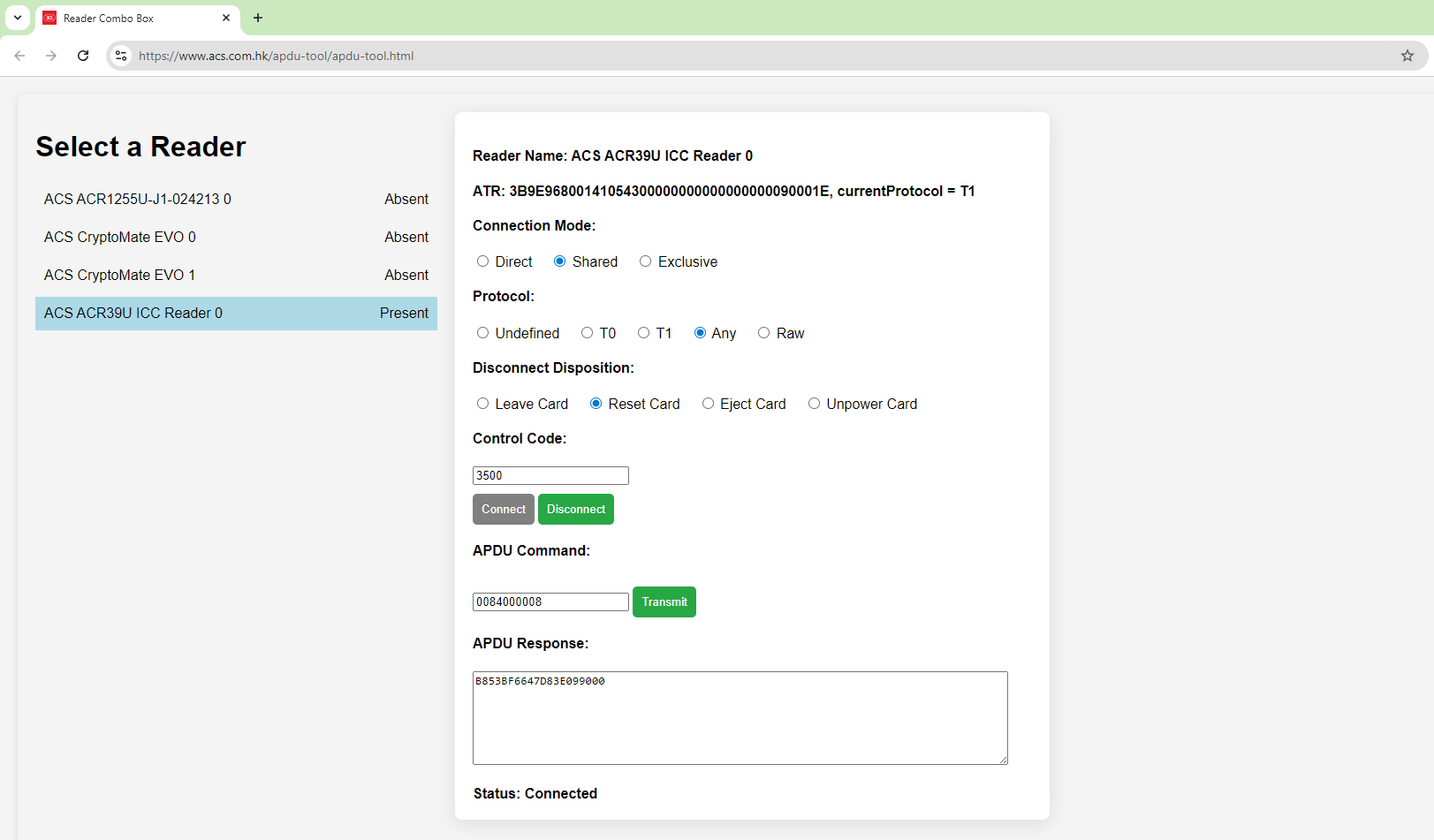
Get a Quick Walkthrough of the ACS Web APDU Tool in this Demo Video
System Requirements
To use the ACS Web APDU Tool, please ensure the following:
Operating System
- Windows: Windows 10 or later
- macOS: 10.13+ (Intel), 11+ (Apple Silicon)
- Linux: 64-bit, GLIBC >= 2.17 (Intel/AMD/ARM)
- Supported distributions include: Ubuntu 14.04+, Debian 8+, Fedora 30+, CentOS/RHEL 7+
Web Browser
- Google Chrome (latest version recommended)
- Microsoft Edge (latest version recommended)
Models Support
All ACS USB smart card readers
Recommended models