
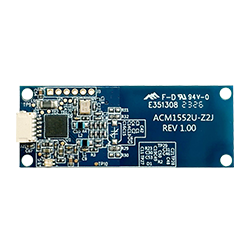
PR1049
Plan your purchase
Choose the next step for your project. Include your requirements so the enquiry can address the right model and configuration.
- Evaluation samples
- Paid samples
- Warranty
- One-year warranty
Confirm sample pricing, the exact configuration, warranty handling and shipping terms in the quotation or order.
Confirm the quotation scope
Use this checklist to specify what you want quoted. Manufacturer specifications describe the product; compatibility with your setup still requires evaluation.
- Board and USB cable
- Confirm the built-in antenna layout, 5-pin USB connector and mating cable. Request the optional USB cable explicitly; this is a USB module, not a UART connection.
- Firmware and security needs
- Specify the reader mode and required tools. A SAM slot is not listed for this model; raise any SAM requirement before confirming the configuration.
- Enclosure evaluation
- Provide the mounting drawing, card presentation area and intended cards. Evaluate the assembly with the host and finished enclosure.
Questions to resolve before ordering
- Does the host provide USB and support the intended CCID / PC/SC integration? Specify the OS version, card commands and required reader mode.
- Will the compact board, built-in antenna and 5-pin connector fit the mounting, cable and card presentation area? Include an enclosure drawing.
- Does the project require a SAM, and which cables and evaluation items should be included? Confirm the exact configuration and test it inside the finished enclosure.
If you need an SDK or development kit, specify the hardware and software items required, and ask for confirmation of kit contents and licence terms.
Manufacturer product reference ↗From enquiry to evaluation and order
Use these checkpoints to confirm the configuration and evaluation scope before ordering in volume.
Define the requirement
Describe the task the product must perform and identify any requirements that still need clarification.
Check the quotation scope
Match the PR code to the manufacturer variant. Check the quoted hardware, accessories, software and licence terms.
Agree the sample evaluation
Before arranging evaluation units, agree the test setup and acceptance criteria. Record results and unresolved issues.
Confirm the volume order
Recheck the configuration and version against the evaluated unit, then confirm the quantity and delivery terms.
Manufacturer specifications describe the product; they do not confirm that your card, host and application have been tested together.
OEM NFC module specifications at a glance
Check the USB host connection, board and antenna layout, card operations and supplied assembly before choosing an embedded reader.
- Host interface
- USB 2.0 Full Speed; USB CCID and PC/SC.
- Board and antenna layout
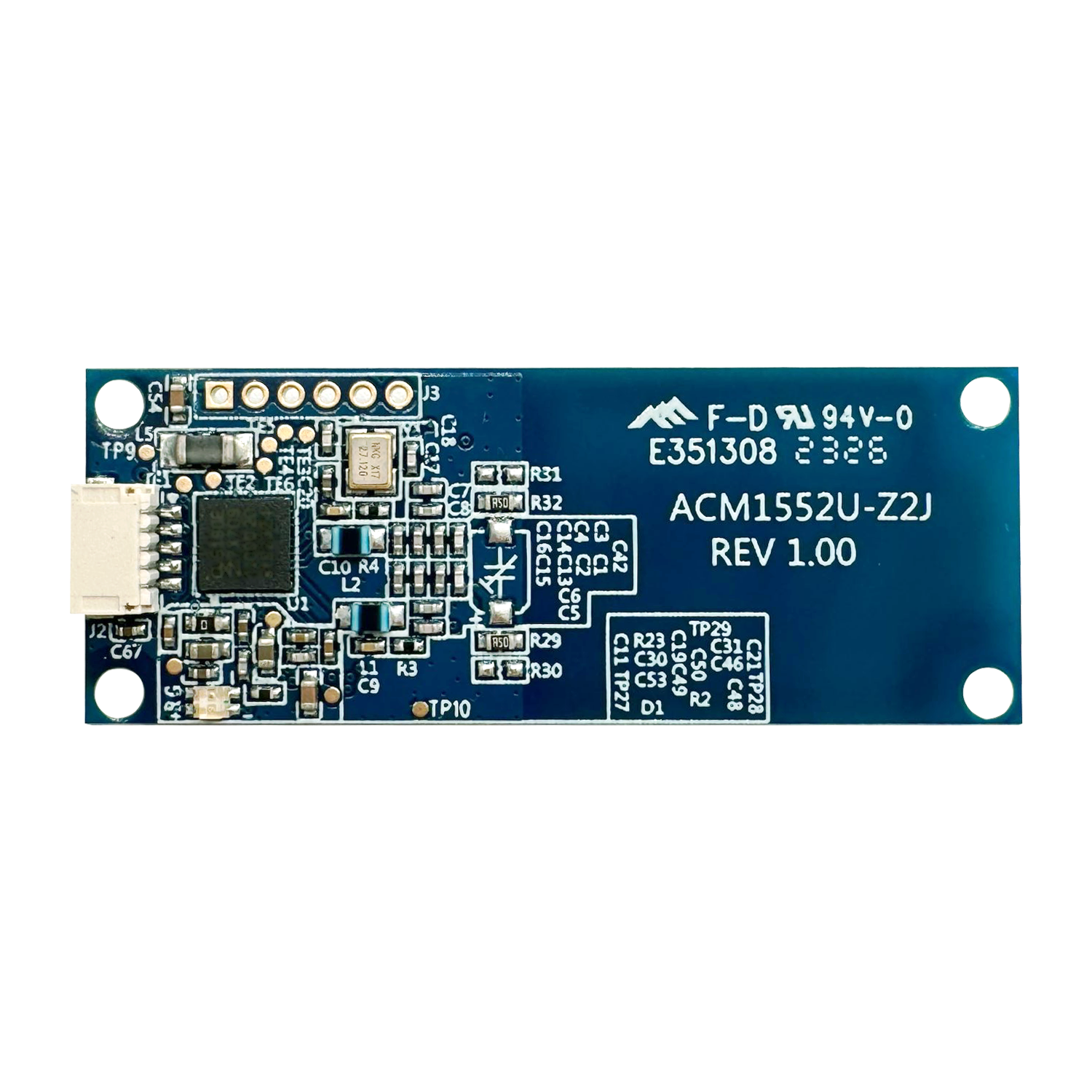
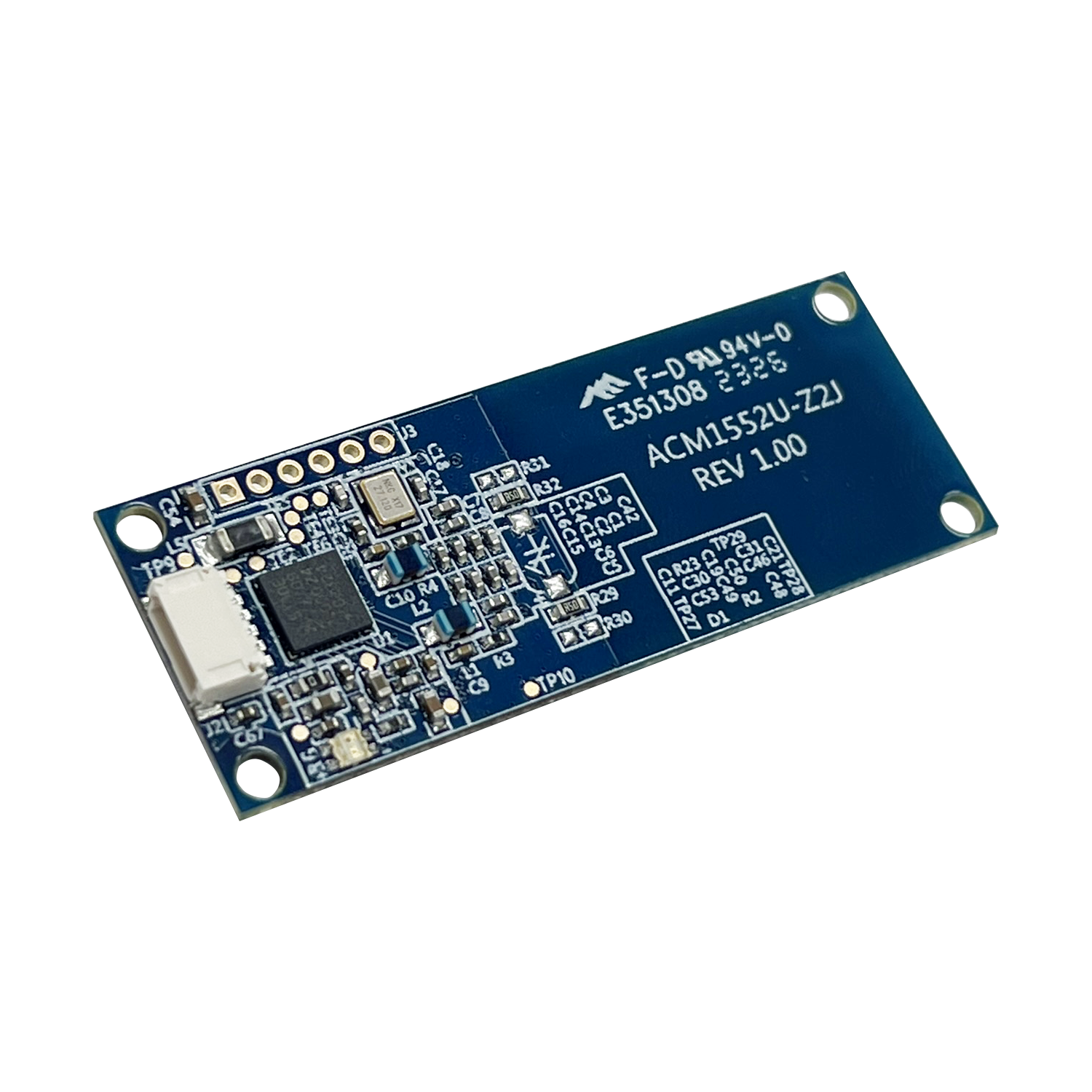
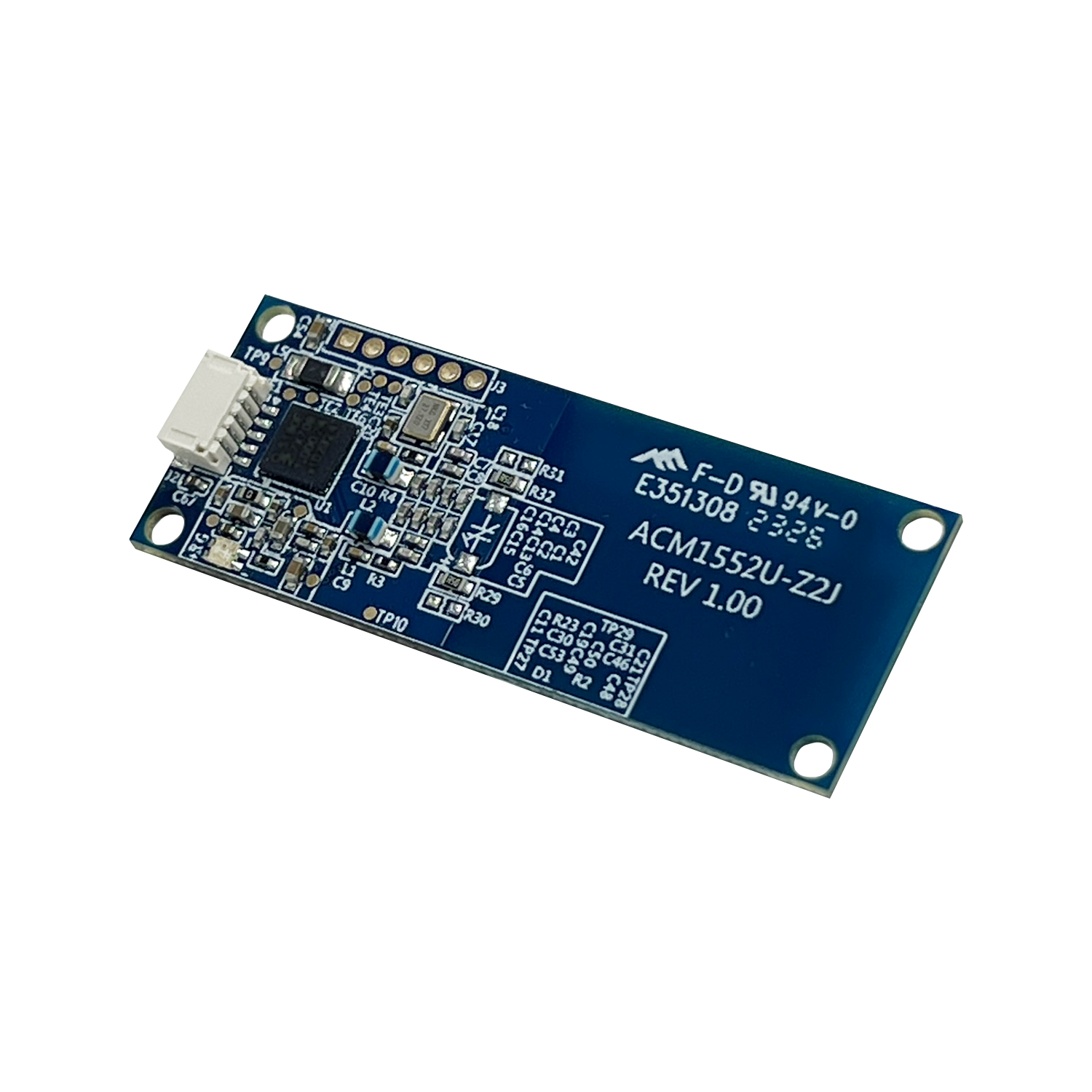
- 52 × 20 × 5.7 mm compact board with a built-in antenna.
- Contactless card standards
- ISO 14443 Type A/B, ISO 15693 and ISO 18092 at 13.56 MHz.
- Operating modes
- Reader/writer, keyboard emulation and card emulation; confirm the firmware and configuration for your application.
- SAM requirement and option
- A SAM slot is not listed in the Z2 model specification; confirm security requirements before selection.
- Integration hardware
- Programmable blue/green LED; 5-pin, 1 mm-pitch USB board connector; optional USB cable on request.
Evaluate the module with your host, cards and finished enclosure. Y3 dimensions differ between manufacturer documents; request the current mechanical drawing for the supplied revision. Confirm firmware, cables and optional items before ordering. Price, quantity and lead time require a quotation.
Overview
PR1049 Small NFC Reader Module is developed based on the 13.56 MHz contactless technology. It can access contactless card and devices following the ISO 14443, ISO 15693, and ISO 18092 standards. This smart card reader module is designed for fast and easy integration into embedded systems.
PR1049 is a CCID & PC/SC compliant reader, this plug-and-play NFC reader makes use of high-speed communication for contactless cards at a maximum of 848 kbps, which makes it suitable for highly demanding applications. It also supports three NFC modes:
- Smart Card Reader/Writer
- Card Emulation
- Keyboard Emulation (Configured by this tool)
The compact size of the PR1049 module makes it an excellent choice for integration into small machines. Its small form factor offers flexibility and seamless integration into various applications, such as handheld devices and kiosks without compromising their functionality or usability.
Features
- USB 2.0 Full Speed Interface
- CCID Compliance
- Contactless Smart Card Support: Read/Write speed up to 848 kbps; Built-in antenna for contactless tag access, with card reading distance of up to 50 mm (depending on tag type); Supports ISO 14443 Type A and B cards, ISO 15693 Cards and ISO18092 NFC; Supports MIFARE Classic®, MIFARE®, DESFire®, MIFARE Ultralight®, MIFARE Plus®, FeliCa and Topaz; Built-in anti-collision feature; Supports extended APDU (max. 64 kbytes)
- NFC Support: Smart Card Reader/Writer Mode; Card Emulation Mode; Keyboard Emulation Mode
- Application Programming Interface: Supports PC/SC; Supports CT-API (through wrapper on top of PC/SC)
- Peripherals: User-controllable bi-color LED (Blue & Green)
- Compact Size
- USB Firmware Upgradability
Technical Specifications
| Physical Characteristics | |
|---|---|
| Dimensions (mm) | 52.0 x 20.0 x 5.7 |
| Weight (g) | 3.4 |
| USB Interface | |
|---|---|
| Protocol | USB CCID |
| Connector Type | 5pin, 1mm pitch, JST SH series compatible |
| Power Source | From USB port |
| Speed | USB 2.0 Full Speed (12 Mbps) compatible with USB 3.0 |
| Cable Length | 1m, Detachable (Upon Request) |
| Contactless Smart Card Interface | |
|---|---|
| Standard | ISO 18092 NFC, ISO 14443 Type A & B, ISO 15693, MIFARE®, FeliCa |
| Protocol | ISO 14443-4 Compliant Card, T=CL; MIFARE® Classic Card, T=CL; ISO 15693; ISO 18092 NFC Tags; FeliCa |
| Built-in Peripherals | |
|---|---|
| LED | 1 bi-color: Blue and Green |
| Other Features | |
|---|---|
| Other Features | Supported Card Types: ISO 14443 Type A & B Parts 1-4, ISO 15693, ISO 18092 NFC, MIFARE Classic®, MIFARE DESFire®, MIFARE Ultralight®, MIFARE Plus®, FeliCa, Topaz. Other NFC Features: Smart Card Reader/Writer, Keyboard Emulation, Card Emulation |
| Firmware Upgrade | Supported |
| Certifications/Compliance | |
|---|---|
| Certifications/Compliance | Certifications: IEC/EN 62368, CE, UKCA, FCC, VCCI, RoHS, REACH, WEEE, Microsoft® WHQL. Compliance: USB CCID, PC/SC |
| Device Driver Operating System Support | |
|---|---|
| Device Driver Operating System Support | Windows®, Linux®, macOS, Android™ |
Images
Downloads
| Type | Title | Size | Updated |
|---|---|---|---|
| Software | Configuration Tool — Windows®, *For UID Keyboard Emulation Mode Only, v207 | 567.78 KB | 27-Oct-2025 |
| Software | ACS ApduTool (iOS) — iOS and iPadOS 16.2 or above, v1.2 | 118.31 KB | 23-Feb-2024 |
| Driver | PC/SC Driver Installer — Windows®, v1.0.6.2 | 5.83 MB | 12-Dec-2025 |
| Driver | PC/SC Driver Installer — Linux®, v1.1.13 | 4.30 MB | 20-Nov-2025 |
| Driver | PC/SC Driver Installer — macOS®, v1.1.13 | 281.65 KB | 17-Nov-2025 |
| Software | Android EVK — Android™ 3.1 or above, v1.1.8 | 1.46 MB | 25-Nov-2025 |
| Datasheet | Technical Specification of ACM1552U-Z2 | — | — |
| Manual | Reference Manual of ACM1552U-Z2 | — | — |
| Manual | User Manual of ACM1552U-Z2 | — | — |
Application guides
Selection guides for this model
More OEM procurement reading
USB vs UART for OEM NFC Modules: What to Confirm Before Ordering
A board connector does not identify the host protocol. Build an interface brief before choosing a USB or serial NFC module.
Read articleBuilt-in vs Detachable NFC Antennas: A Kiosk Integration Checklist
Choose antenna placement around the finished device, then test the intended cards in the assembled enclosure.
Read article